Gain more visibility into all your assets to address critical vulnerabilities
The value Tenable Agents bring to you
Extend coverage
Extend scan coverage
Get vulnerability insight in areas where it’s not possible or practical to do traditional network scans. Collect security, compliance and vulnerability data from hard-to-scan assets like endpoints and other transient devices and send it back to Tenable vulnerability management solutions for analysis.
Scan endpoints
Quickly scan endpoints and other transient devices
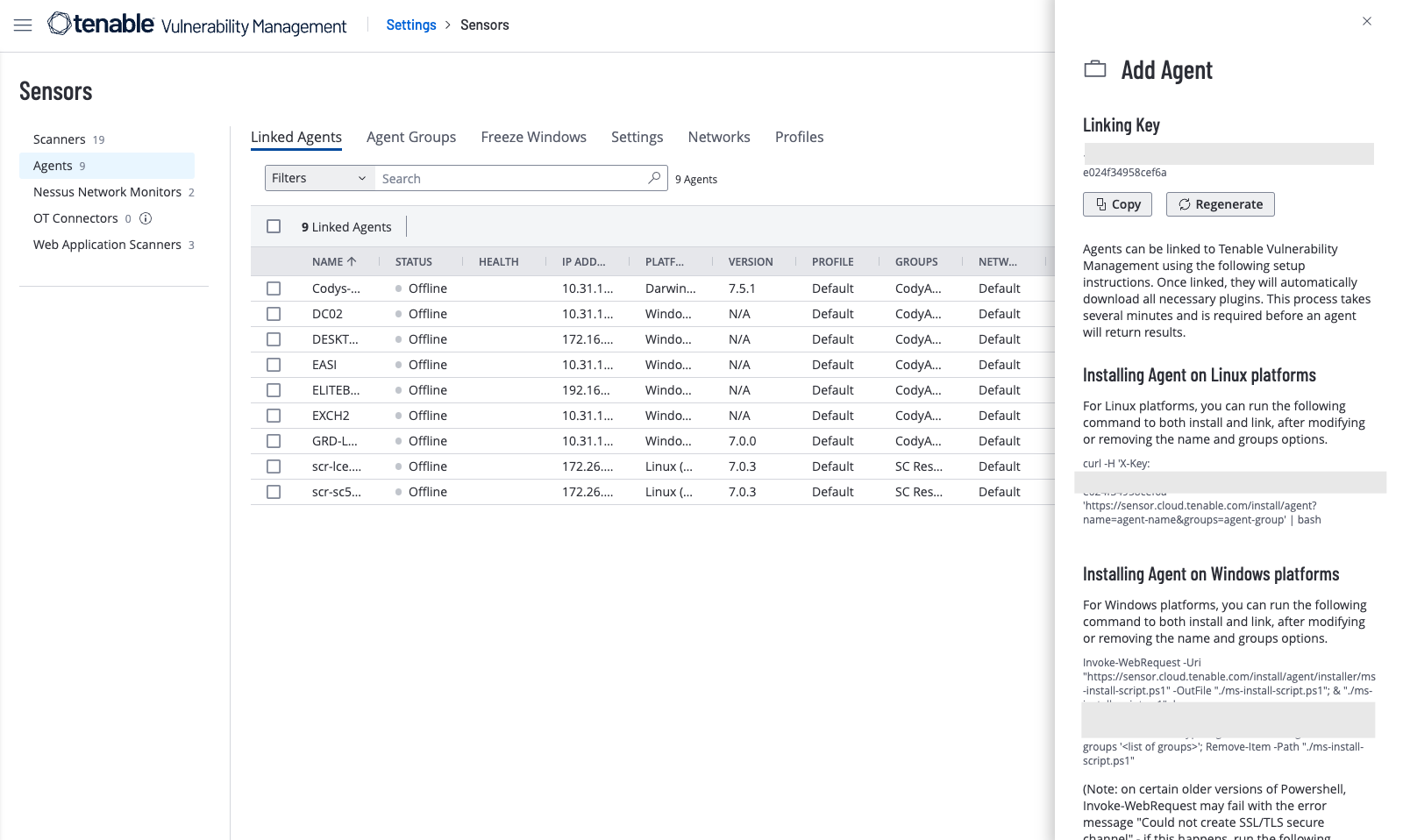
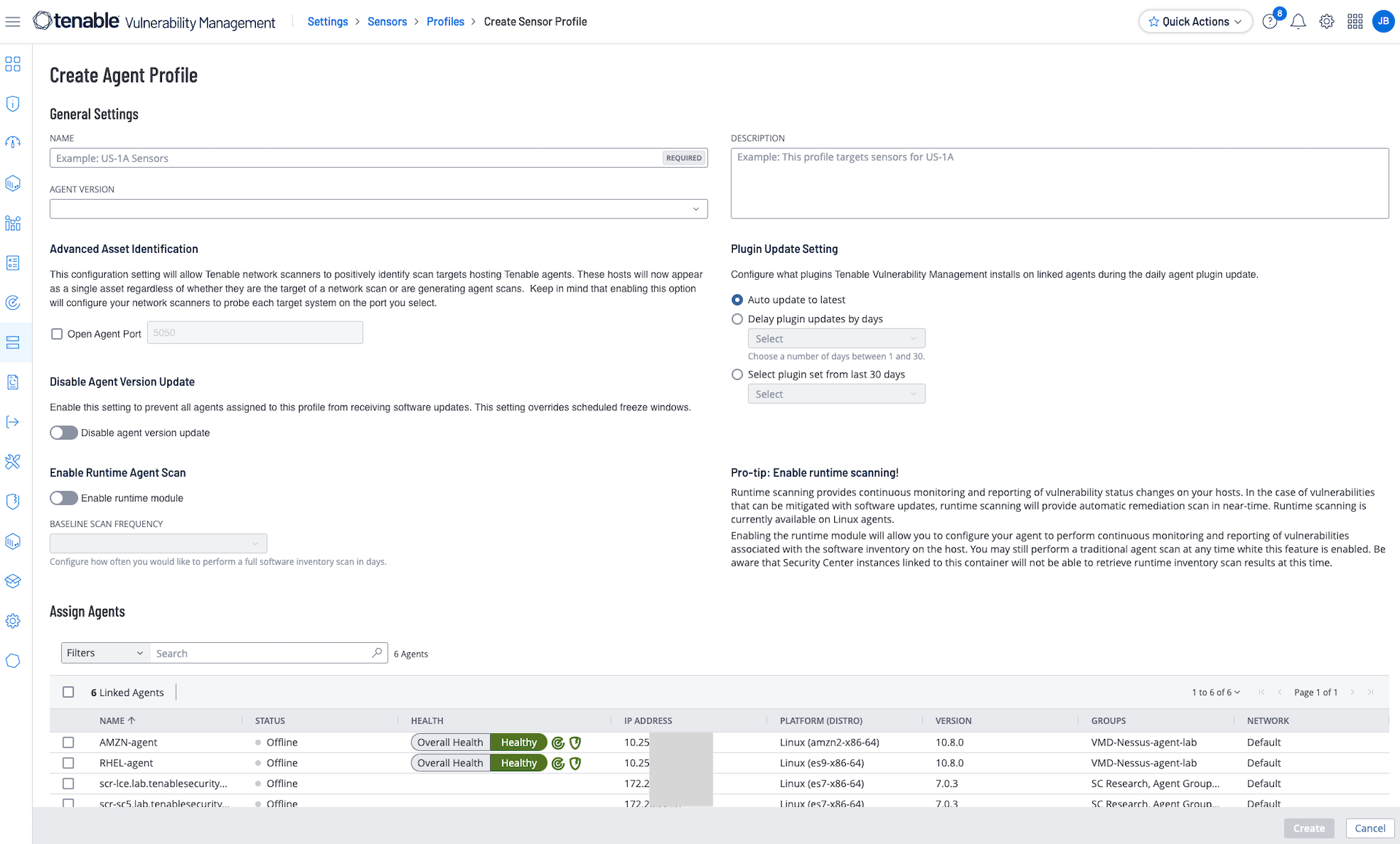
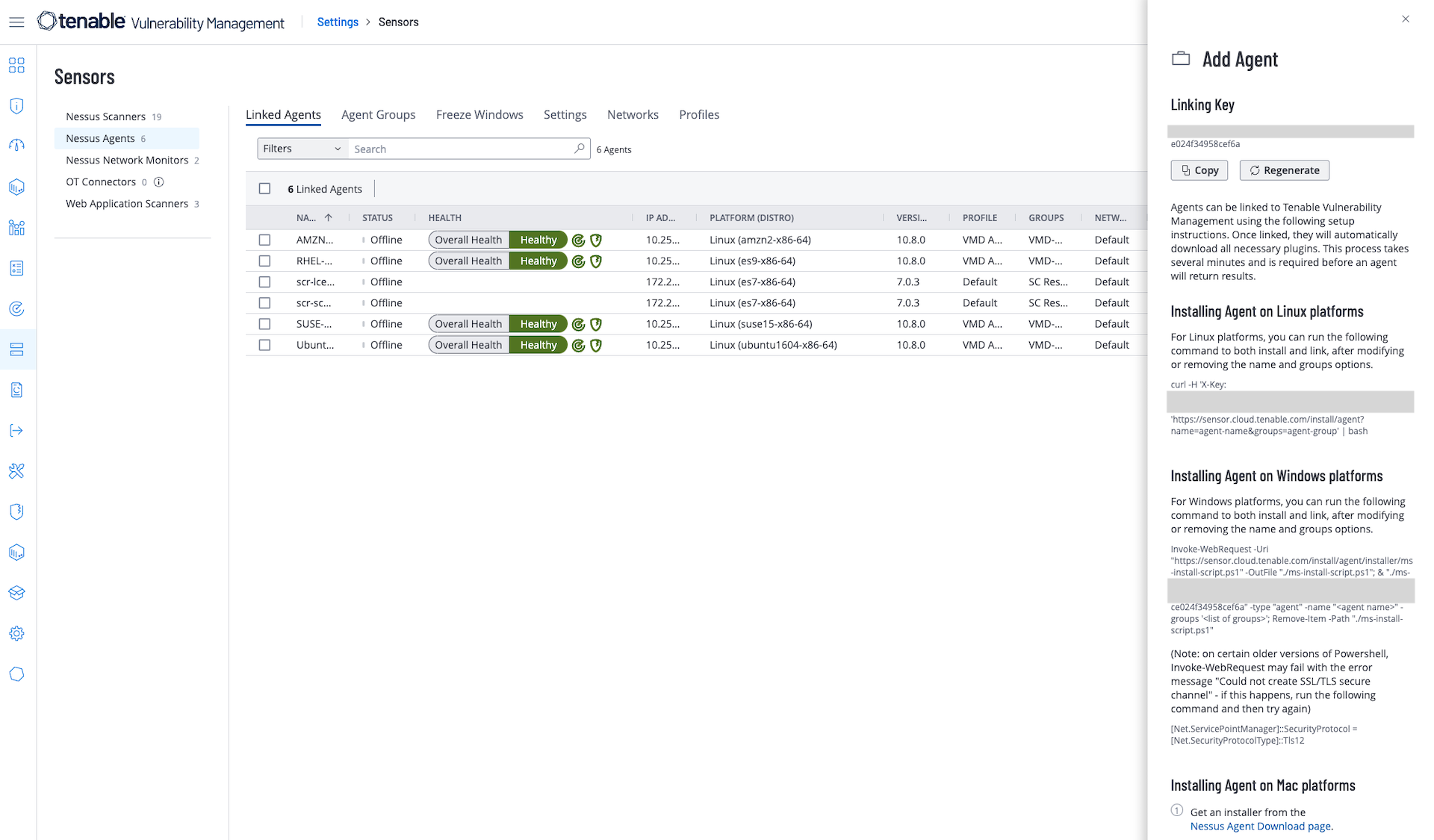
Stop worrying about excluding assets that are offline during a scan window or not connected to the network. Install the lightweight agent locally on an endpoint or any other host — a laptop, virtual system, desktop and/or server. Run the agent as a service on each asset — that non-administrative users cannot disable.
Manage credentials
Simplify credential management
Install Tenable Agents under the local SYSTEM account in Windows or root on Unix-based operating systems. The agents don’t need host credentials. They inherit account permissions used for installation to perform credentialed scans, even if system credentials change.
Minimize impact
Minimize impact on systems and networks
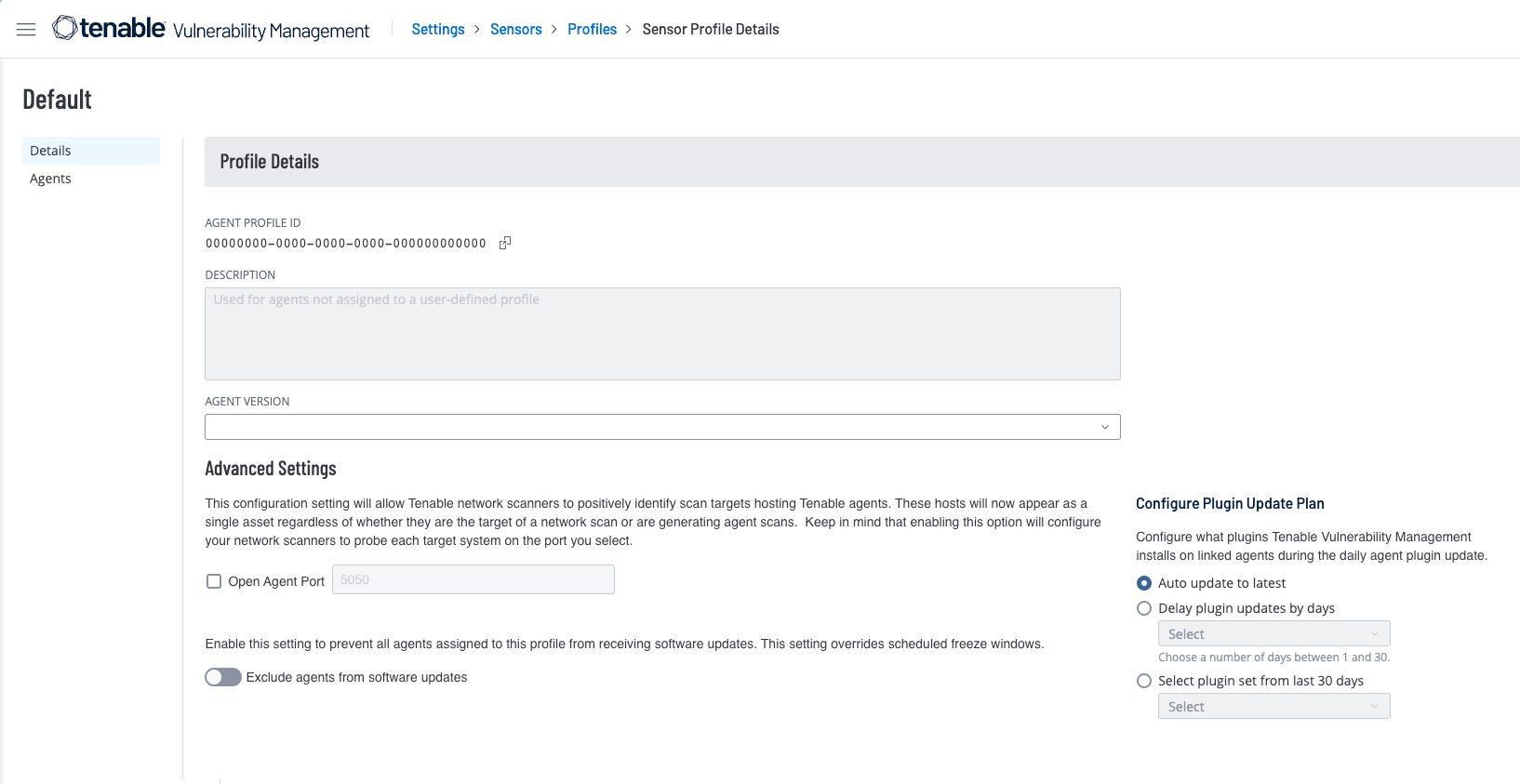
Quickly deploy Tenable’s lightweight agents via software management systems with minimal impact on end-users and your network. Auto-update without requiring a reboot or end user interaction.
FAQs
-
When would I use Tenable Agents?
-
Most organizations use a mix of agent-based and agentless scanning in their vulnerability management programs. Tenable Agents provide a subset of the coverage in a traditional network scan but are attractive in a number of scenarios, including:
- Scanning of transient endpoints that are not always connected to the local network: Scanning of transient endpoints that are not always connected to the local network: With schedule-based traditional network scanning, scans often miss these devices, causing gaps in visibility. Tenable Agents enable security teams to perform reliable compliance audits and local vulnerability checks on these devices, providing some visibility where there previously was none.
- Scanning assets for which you do not have credentials or could not easily obtain credentials: A locally installed Tenable Agent can run local checks.
- Improving overall scan performance: Since agents operate in parallel using local resources to perform local checks, this reduces the network scan to just remote network checks, speeding scan completion time.
-
Which platforms do Tenable Agents support?
-
Tenable Agents currently support a variety of operating systems including:
- Amazon Linux
- CentOS
- Debian Linux
- OS X
- Red Hat Enterprise Linux
- Ubuntu Linux
- Windows Server 2008 and 2012, and Windows 7, 8, 10
- macOS
For the most current information and specific versions supported, see the Tenable Agents download page.
-
What is the Cyber Exposure Score (CES) and how is it derived?
-
Tenable Agents work with both Tenable Vulnerability Management (VM) and Tenable Security Center (SC) and/or Tenable Security Center Plus. You can directly deploy and manage Tenable Agents from the Tenable Vulnerability Management console. Managing Tenable Agents for use with SC or SC Plus requires the On-Prem Agent Manager.
-
What is the resource consumption of Tenable Agents?
-
The performance overhead of the Tenable Agent is minimal, and can minimally reduce overall network overhead. Agents use local resources to scan the system or device where they are located instead of consuming network resources for scanning purposes.
-
How are Tenable Agents updated?
-
You can deploy Tenable Agents using most software management systems and auto-update once deployed.
-
Can I review the scan results from Tenable Agents that have reported back before the schedule is completed?
-
Yes.
-
How often do Tenable Agents check in?
-
Tenable Agents check in using a staggered method based on the number of agents linked to Tenable Vulnerability Management or On-Prem Agent Manager. Check-in frequency starts at 30 seconds and can vary up to 2,000 seconds. Tenable Vulnerability Management/On-Prem Agent Manager adjusts based on management system load (number of agents).
-
Can I see which Tenable Agents have checked in and which ones have not?
-
The Agent Management interface enumerates a number of management-related details about the agent, such as Last Check-In time and Last Scan.
-
Which privileges does the Tenable Agent require to run?
-
The Tenable Agent runs under the Local System account. You need sufficient privileges to install software that runs under this account.
-
Can a laptop or desktop user disable the agent?
-
Yes, if the user has administrative privileges on the system.
-
Can I export a report while a schedule is running?
-
No. The scan must complete before you can export a report.
-
Can the Tenable Agent leave a report on the user desktop (e.g., graph, score etc.)?
-
No. Tenable Agents send results back to their manager to include in reports.
-
Which Nessus plugins will Tenable Agents run?
-
Tenable Agent policies include plugins that perform local checks appropriate to the platform on which the agent is running. It doesn’t create connections to services on the host.
These plugins include those that perform patch auditing, compliance checks and malware detection. There are several exceptions, including:
- Plugins that work based on remotely disclosed information cannot run on agents
- Agents do not perform network-based scanning externally and therefore you can’t run network checks.
The Tenable Research team is constantly adding and updating plugins. For a comprehensive list of plugins, please visit: /plugins.
-
Can I use agent-based scanning alone?
-
Tenable recommends a combination of traditional scanning with agent-based scanning to ensure full visibility into your entire network. However, there are some scenarios where a Tenable Agent is the only sensor available for a device. The Tenable Agent can provide visibility into local checks and vulnerabilities where there otherwise would have been none.
-
Can I automate deploying/grouping agents?
-
Yes. You can use scripting or any patch management solution.
- Tenable Nessus
Tenable One
Request a demo
The world’s leading AI-powered exposure management platform.
Thank You
Thank you for your interest in Tenable One.
A representative will be in touch soon.
Form ID: 7469
Form Name: one-eval
Form Class: c-form form-panel__global-form c-form--mkto js-mkto-no-css js-form-hanging-label c-form--hide-comments
Form Wrapper ID: one-eval-form-wrapper
Confirmation Class: one-eval-confirmform-modal
Simulate Success