by Josef Weiss
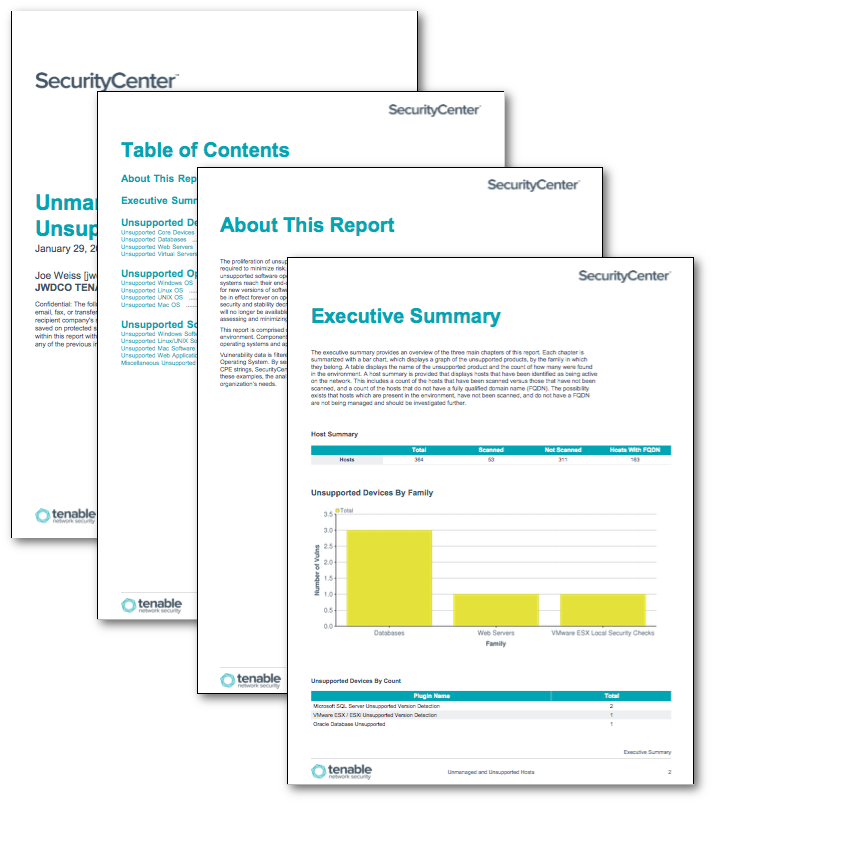
The proliferation of unsupported products is an issue for many organizations and increases the effort required to minimize risk. The Department of Homeland Security has issued alerts stating that running unsupported software opens your business up to elevated cybersecurity risks. As applications and operating systems reach their end-of-life (EOL), vendors stop offering support. As patches and updates are released for new versions of software, unsupported versions will be left out. Essentially, zero-day vulnerabilities could be in effect forever on operating systems and application versions that are no longer supported. Therefore, security and stability decrease, raising concern as time progresses. As patches, updates and security fixes will no longer be available, identifying systems running unsupported applications is an important part of assessing and minimizing organizational risk.
This report is comprised of four main chapters that report on unsupported products found in the environment. Components include bar graphs and tables to display, track, and report on unsupported operating systems and applications.
Vulnerability data is filtered using a variety of plugins, such as Nessus plugin 33850, Unsupported Unix Operating System. By searching the plugin name for keywords, plugin family, severity, OS and application CPE strings, SecurityCenter Continuous View can better present the data to the security analyst. Using these examples, the analyst can modify the details and create new chapters or tables specific to the organization’s needs.
The report is available in the SecurityCenter Feed, a comprehensive collection of dashboards, reports, Assurance Report Cards and assets. The report can be easily located in the SecurityCenter Feed under the category Compliance.
The report requirements are:
- SecurityCenter 5.0.0
- Nessus 6.5.4
SecurityCenter Continuous View (CV) provides continuous network monitoring, vulnerability identification, risk reduction, and compliance monitoring. SecurityCenter CV is continuously updated with information about advanced threats, zero-day vulnerabilities, and new types of regulatory compliance configuration audits. SecurityCenter CV allows for the most comprehensive and integrated view of network health.
The report contains the following components:
- Executive Summary - The Executive Summary provides an overview of the three main chapters of this report. Each chapter is summarized with a bar chart, which displays a graph of the unsupported products by the family in which they belong. A table displays the name of the unsupported product and the count of how many were found in the environment.
- Unsupported Devices - The Unsupported Devices chapter provides details on unsupported core devices (Cisco, Junos, etc.), databases, web servers, and virtual servers. These devices are typically the central part of an organization’s network, and those which provide services to customers. Knowing if any of these devices contain unsupported software is critical to maintaining a secure environment.
- Unsupported Operating Systems - The Unsupported Operating Systems chapter provides details on any operating system that is no longer supported by the vendor. Coverage is provided for all currently unsupported versions of Windows, Linux, Unix and Mac OS. Systems running unsupported operating systems are more vulnerable to exploitation.
- Unsupported Software - The Unsupported Software chapter provides details on software that is no longer supported by the vendor. Coverage is provided for all currently unsupported versions of Windows, Linux, Unix and Mac OS. Systems running unsupported software are more vulnerable to exploitation.
Tenable One
Request a demo
The world’s leading AI-powered exposure management platform.
Thank You
Thank you for your interest in Tenable One.
A representative will be in touch soon.
Form ID: 7469
Form Name: one-eval
Form Class: c-form form-panel__global-form c-form--mkto js-mkto-no-css js-form-hanging-label c-form--hide-comments
Form Wrapper ID: one-eval-form-wrapper
Confirmation Class: one-eval-confirmform-modal
Simulate Success