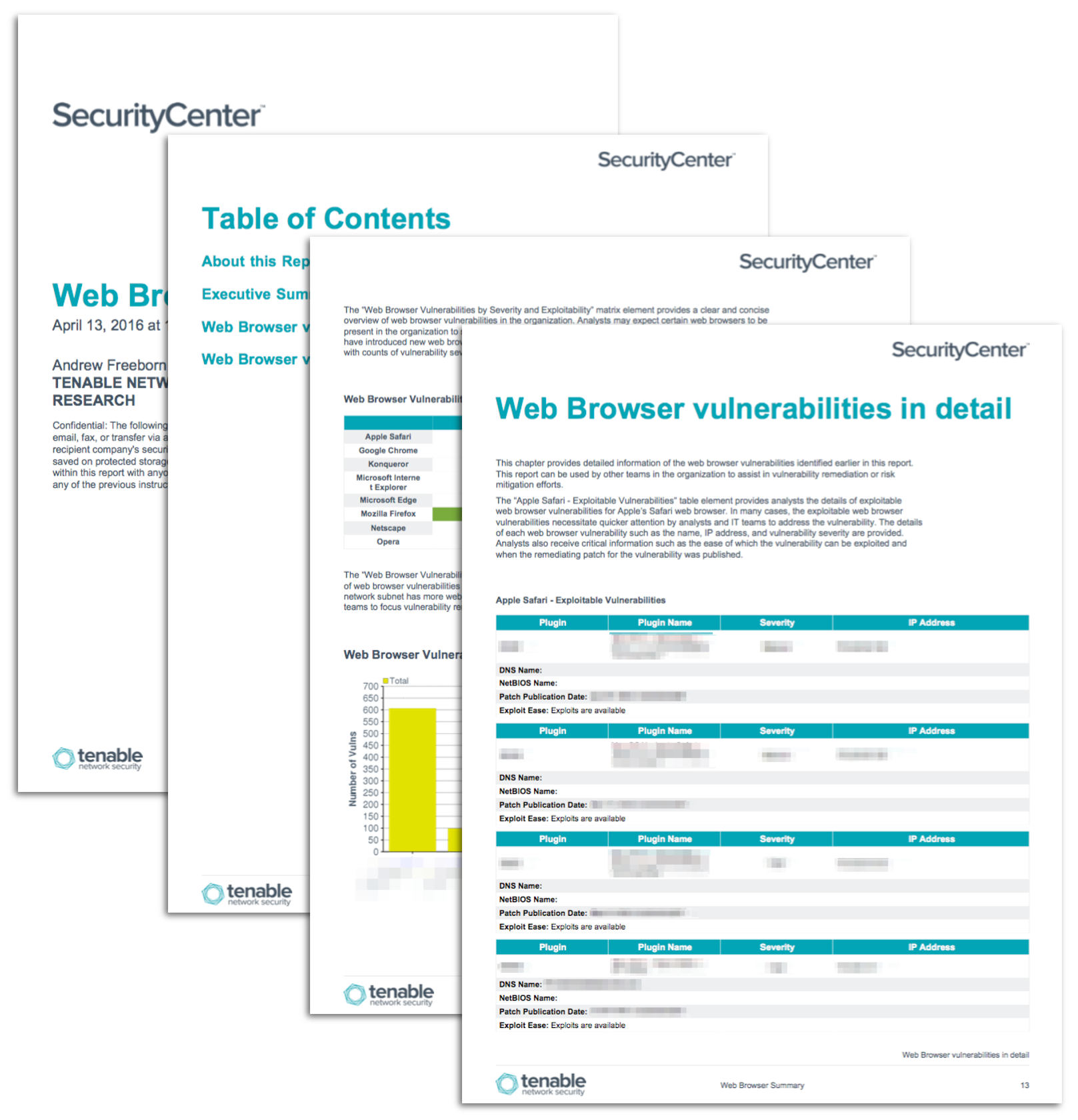
Web browsers allow users to work with many services and web applications from a single application. In one screen in a web browser, the user can work on a shared document with team members. In another screen in a web browser, the same user could review purchase orders in an internally built web application. In yet another screen, the same user can read the news from a major news source. In all three of the previous cases, the user was interacting with different services with the same web browser.
Attacks on web browsers can happen in numerous ways that could allow attackers into the organization. A malicious ad served up on a news website could trick the web browser to download and run malware. Free software tools such as BeEF (Browser Exploitation Framework Project) can take advantage of weaknesses in a web browser and compromise the user. Attackers can lure the user to visit a site compromised with BeEF to compromise the user’s browser.
Some browsers are more secure than others, but all browsers have flaws that attackers can expose. The popularity of any browser generally dictates how many software vulnerabilities are found and then exploited. Analysts using Tenable’s Tenable.sc Continuous View (CV) with Nessus and Nessus Network Monitor (NNM) can best detect web browser vulnerabilities. Tenable.sc CV works actively with credentialed Nessus scans and passively with NNM analyzing the network in an organization. Deploying these solutions in the organization can help analysts to quickly discover outdated web browsers as well as web browser vulnerabilities.
The market for web browsers contains many options across the three major operating systems of Microsoft Windows, Apple Mac OS X, and Linux. The focus of this report is on the web browsers of Microsoft Internet Explorer and Edge, Google Chrome, Apple Safari, Mozilla Firefox, Konqueror, Opera and Netscape. These web browsers make up the majority of the web browser market.
As web browsers have continued to mature and grow, they have adapted various security methods to help protect the user. Some browsers help stop cross-site scripting (XSS) attacks to help protect the user, but not all browsers implement the same level of protection. Other web browsers implement their own version of Adobe Flash to help provide a specific experience and increased security. However, any feature put into a web browser is another attack vector for potential exploitation. Features that were meant to help protect the user could be potentially exploited to attack the user.
Tenable provides the necessary information to analysts to be aware of vulnerable web browsers in the organization. This report uses vulnerability information gathered from active scans with Nessus to provide detailed information of each scanned system. For example, if a web browser is present on a system but not used, there is still the potential that the web browser could be exploited. Information detected through network activity is also passively monitored with NNM. Analysts can benefit from both solutions with detailed and timely information within Tenable.sc CV.
The report is available in the Tenable.sc Feed, a comprehensive collection of dashboards, reports, Assurance Report Cards, and assets. The report can be easily located in the Tenable.sc Feed under the category Threat Detection & Vulnerability Assessments. The report requirements are:
- Tenable.sc 4.8.2
- Nessus 8.6.0
- NNM 5.9.0
Tenable provides continuous network monitoring to identify vulnerabilities, reduce risk, and ensure compliance. Tenable's family of products includes Tenable.sc Continuous View (CV), Nessus, Nessus Network Monitor (NNM), and Log Correlation Engine (LCE). Tenable.sc CV provides the most comprehensive and integrated view of network health, and is the global standard in detecting and assessing network data.
This report contains the following chapters:
- Executive Summary: This chapter provides an overview of web browser vulnerabilities detected in the organization
- Web Browser vulnerabilities summary: This chapter provides analysts with an overview of vulnerabilities per web browser across time
- Web Browser vulnerabilities in detail: This chapter provides detailed information of the web browser vulnerabilities identified earlier in this report
Tenable One
Request a demo
The world’s leading AI-powered exposure management platform.
Thank You
Thank you for your interest in Tenable One.
A representative will be in touch soon.
Form ID: 7469
Form Name: one-eval
Form Class: c-form form-panel__global-form c-form--mkto js-mkto-no-css js-form-hanging-label c-form--hide-comments
Form Wrapper ID: one-eval-form-wrapper
Confirmation Class: one-eval-confirmform-modal
Simulate Success