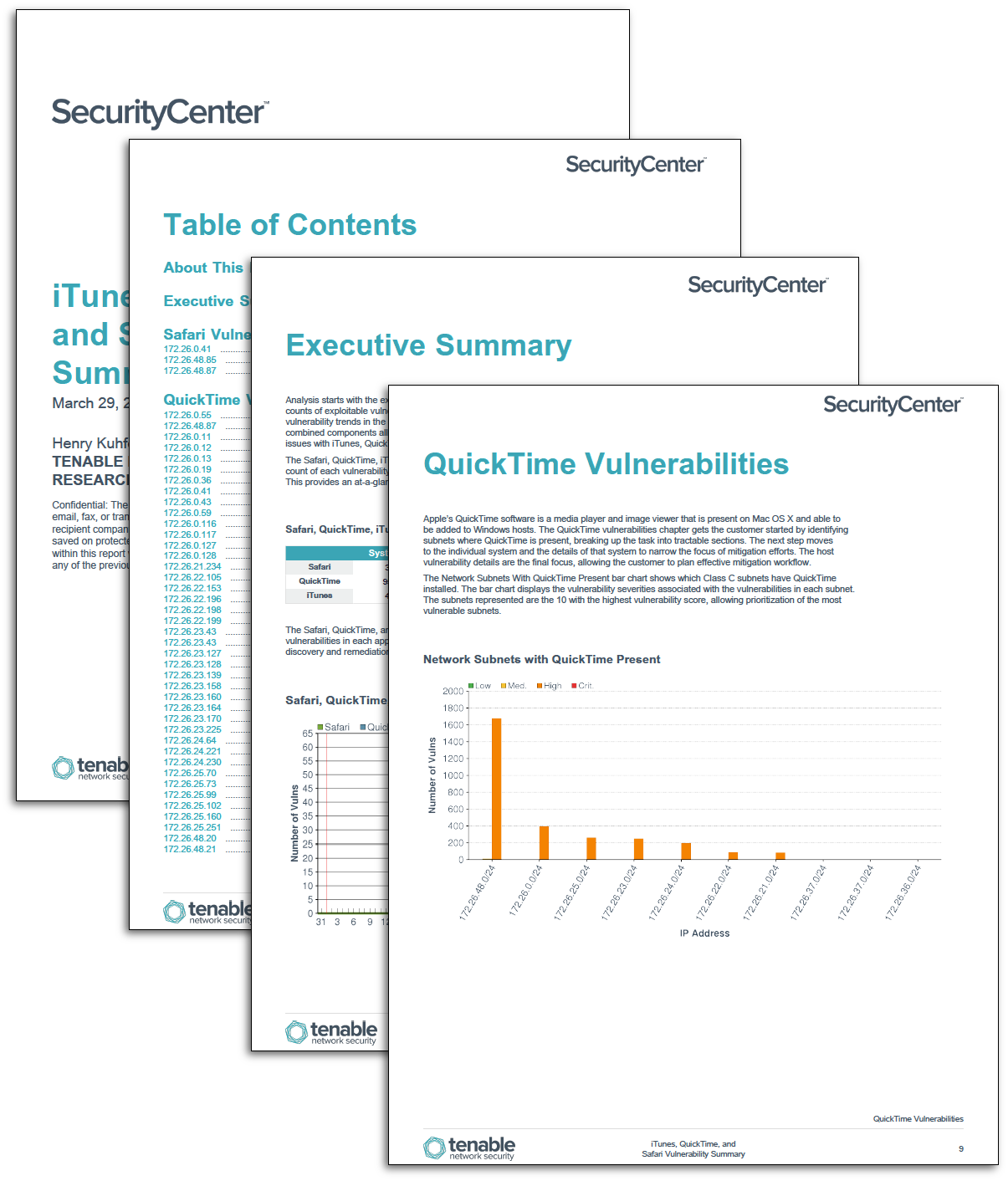
Monitoring Apple applications such as iTunes, QuickTime, and Safari for vulnerabilities is critical to maintaining a positive security posture due to their ubiquity on Mac OS X hosts as well as being present on Windows hosts. These applications can be a vector for malware, despite digital signatures and rigorous review standards at Apple. The Apple iTunes, QuickTime, and Safari Vulnerabilities report will enumerate, delineate, and elaborate on found vulnerabilities in iTunes, QuickTime, and Safari.
Starting at the network level, the report enumerates and identifies network subnets that have vulnerabilities in iTunes, QuickTime, and Safari. By highlighting vulnerabilities by severity, the customer is provided an opportunity to focus effort on the most vulnerable systems. Analysts can focus vulnerability mitigation efforts on dense clusters, which increases the overall security posture and leaves more time to remediate remaining vulnerabilities.
A list of vulnerable hosts is provided so that customers can readily identify which systems have iTunes, QuickTime, and Safari installed. By examining which vulnerabilities have been discovered and the frequency at which they appear, the customer can focus on remediating critical or prioritized vulnerabilities. Additionally, delegation of responsibilities is simplified by identifying the most frequently detected vulnerabilities and the systems they reside on.
Finally, a host-by-host listing allows each host’s overall security health to be gauged, in addition to the vulnerabilities in iTunes, QuickTime, and Safari that are present on that host. Details about the vulnerability, including plugin output and the solution fields, allows system administrator level delegation. By examining the information included with the vulnerability, problems such as update failures or patching issues may be detected and acted upon to further increase the security posture.
The report is available in the SecurityCenter Feed, a comprehensive collection of dashboards, reports, Assurance Report Cards, and assets. The report can be easily located in the SecurityCenter Feed by selecting category Threat Detection and Vulnerability Assessments. The report requirements are:
- SecurityCenter 5.2
- Nessus 6.5.6
SecurityCenter Continuous View (SecurityCenter CV) is a scalable vulnerability management system that identifies the biggest risk across the entire enterprise. Tenable’s products allows for the most comprehensive and integrated view of network health. Nessus and SecurityCenter are continuously updated with information about advanced threats and zero-day vulnerabilities, as well as new types of regulatory compliance configuration audits, allowing organizations to respond to new threats as they emerge.
The following chapters are included in this report:
Executive Summary:
Analysis starts with the executive summary, which delivers system counts, vulnerability counts, and counts of exploitable vulnerabilities. The vulnerability count trends over time lets analysts quickly identify vulnerability trends in the applications and begin to direct efforts to reduce the attack surface. These combined components allow management to allocate resources and plan future workflow to keep ahead of issues with iTunes, QuickTime, and Safari.
Safari Vulnerabilities:
The Safari browser is the native browser on Apple Mac OS X and iOS devices and is distributed with the operating systems. Additionally, there is a Windows version of the browser, which may be downloaded and installed from the Apple website. The Safari Vulnerabilities group enumerates detected Safari browser vulnerabilities. Using this chapter, customers can detect installations of Safari on particular hosts and subnets making it easier to direct resources to mitigate vulnerabilities. Vulnerability details provide extra information to better assist in decision-making and deployment strategies.
QuickTime Vulnerabilities:
Apple’s QuickTime software is a media player and image viewer that is present on Mac OS X and able to be added to Windows hosts. The QuickTime vulnerabilities chapter gets the customer started by identifying subnets where QuickTime is present, breaking up the task into tractable sections. The next step moves to the individual system and the details of that system to narrow the focus of mitigation efforts. The host vulnerability details are the final focus, allowing the customer to plan effective mitigation workflow.
iTunes Vulnerabilities:
iTunes is a media management, playback, and purchasing platform produced by Apple. The application is installed by default on Mac OS X workstations and can be installed on Windows machines by a downloadable executable. The built-in iTunes store provides access to music, videos, books, and applications. The iTunes vulnerabilities chapter continues the structure established in the two previous chapters, letting the analyst begin prioritizing and delegating remediation tasks. Through iteration and elaboration of the information, the customer gains the ability to cater efforts to effective neutralization of iTunes vulnerabilities. The highly detailed host vulnerability detail provides deep insight into the security posture of each affected host.
Tenable One
Request a demo
The world’s leading AI-powered exposure management platform.
Thank You
Thank you for your interest in Tenable One.
A representative will be in touch soon.
Form ID: 7469
Form Name: one-eval
Form Class: c-form form-panel__global-form c-form--mkto js-mkto-no-css js-form-hanging-label c-form--hide-comments
Form Wrapper ID: one-eval-form-wrapper
Confirmation Class: one-eval-confirmform-modal
Simulate Success