by Josef Weiss
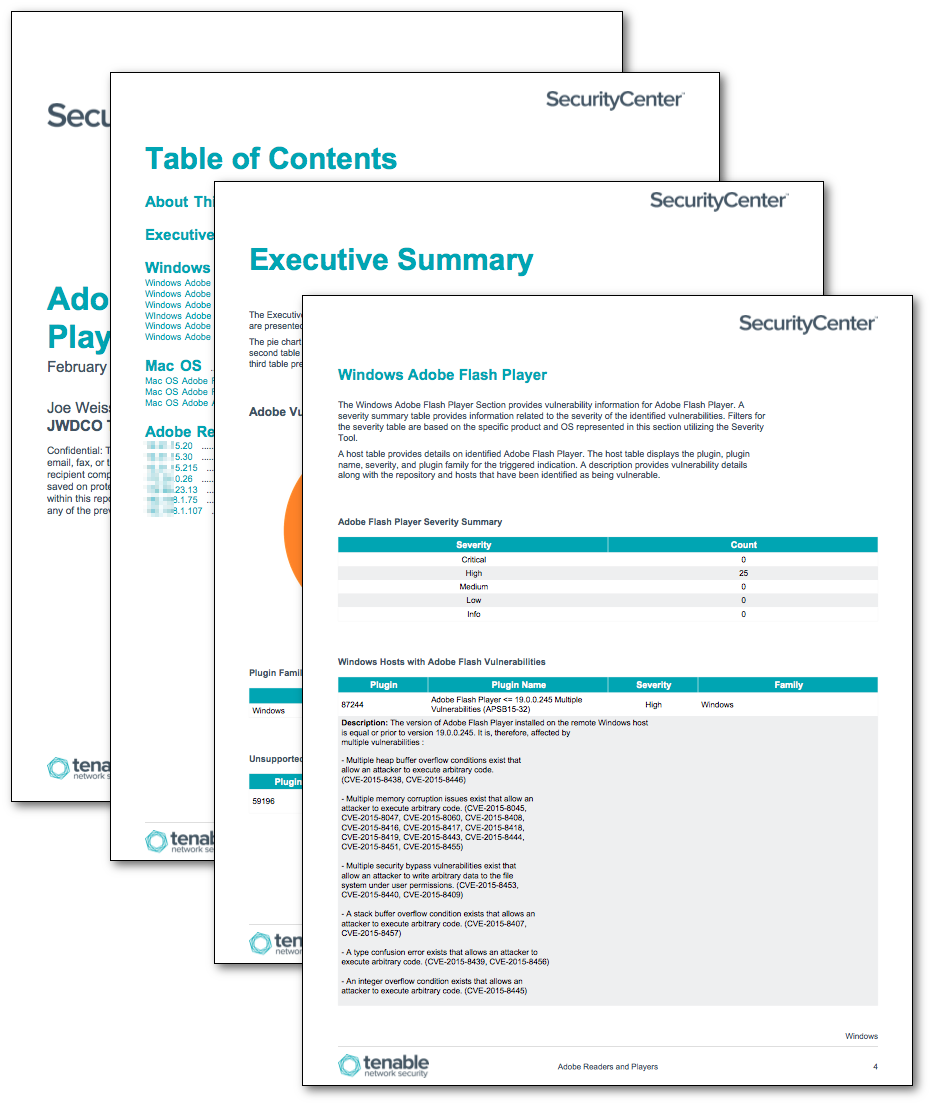
Adobe products are widespread, and Flash is a favorite target of exploit kits, with many of the top exploits targeting flash and other Adobe product vulnerabilities. Understanding what vulnerabilities exist better informs and prepares organizations to which patch management functions need to be addressed. Additionally, this report can be used to validate the effectiveness of existing patch management programs. Specifically, this report provides details on flash vulnerabilities as well as other Adobe products for Windows and Mac OS systems.
The Adobe Reader and Player report is focused on vulnerabilities reported in Adobe software on Windows and Mac OS operating systems. The report breaks down remediation tracking across popular Adobe desktop software. Windows and Mac OS chapters report identified vulnerabilities with Adobe Flash Player, Adobe Reader, and Adobe AIR. In addition, identified vulnerabilities for Adobe Acrobat, Adobe Photoshop, and Adobe Shockwave vulnerabilities are present in the Windows chapter. As vulnerabilities that are exploitable are the most severe, the final chapter reports specifically on Adobe vulnerabilities with known exploits.
The report is available in the SecurityCenter Feed, a comprehensive collection of dashboards, reports, Assurance Report Cards, and assets. The report can be easily located in the SecurityCenter Feed under the category Threat Detection and Vulnerability Assessment.
The report requirements are:
- SecurityCenter 5.0.0
- Nessus 6.5.4
SecurityCenter Continuous View (CV) provides continuous network monitoring, vulnerability identification, risk reduction, and compliance monitoring. SecurityCenter CV is continuously updated with information about advanced threats, zero-day vulnerabilities, and new types of regulatory compliance configuration audits. SecurityCenter CV allows for the most comprehensive and integrated view of network health.
The report contains the following components:
- Executive Summary - The Executive Summary provides an overview of identified Adobe vulnerabilities. A pie chart and two tables are presented that display severity information as well as identified unsupported Adobe software.
- Windows - The Windows chapter provides an overview of the following Adobe products: Flash Player, Reader, AIR, Acrobat, Photoshop, and Shockwave. A section for each product outlines severity and vulnerability information.
- Mac OS - The Mac OS chapter provides an overview of the following Adobe products: Flash Player, Reader, and AIR. A section for each product outlines severity and vulnerability information.
- Adobe Related Vulnerabilities with Known Exploits - The Adobe Related Vulnerabilities with Known Exploits chapter iterates over each host that contains known exploitable Adobe product vulnerabilities.
Tenable One
Request a demo
The world’s leading AI-powered exposure management platform.
Thank You
Thank you for your interest in Tenable One.
A representative will be in touch soon.
Form ID: 7469
Form Name: one-eval
Form Class: c-form form-panel__global-form c-form--mkto js-mkto-no-css js-form-hanging-label c-form--hide-comments
Form Wrapper ID: one-eval-form-wrapper
Confirmation Class: one-eval-confirmform-modal
Simulate Success